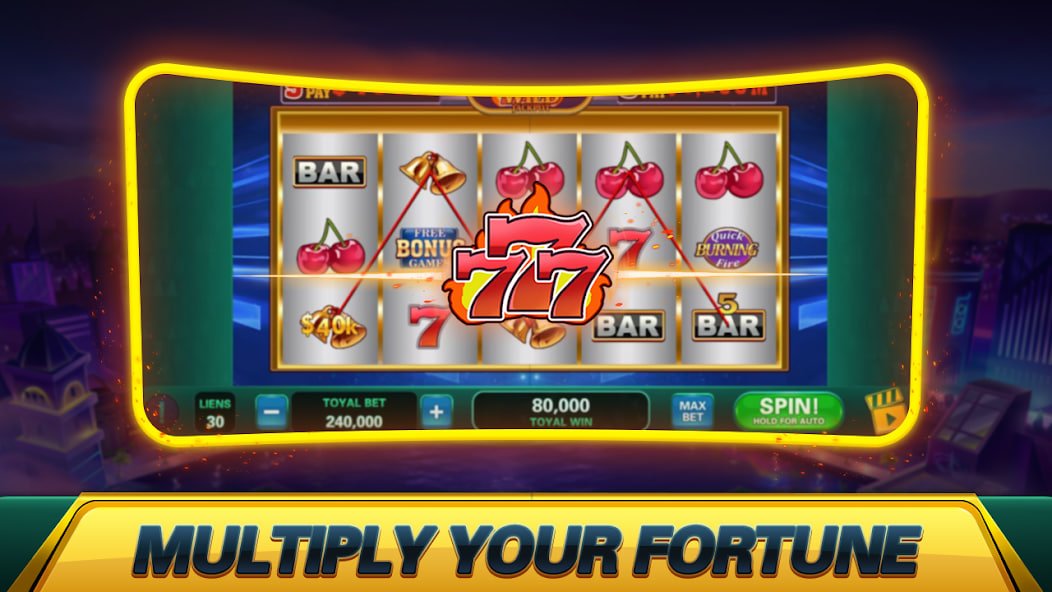
Access all games in one place with the jdbkx net App. Log in directly, make deposits and withdrawals, and play — all without a browser. Players from Yangon to Mandalay choose the App for its convenience.

The download method varies depending on your smartphone's operating system, so please check your phone's brand and select the appropriate option.
For Samsung, OPPO, Vivo, Xiaomi, Realme, Tecno, and other Android phones, simply download and install the APK file — no Google Play Store required.
Virus scan complete — download the jdbkx net official APK only
IPhone and iPad players can install the jdbkx net App as a Progressive Web App (PWA) directly from Safari Browser — no App Store download required.
Install via Safari Browser only — do not use third-party stores
Tap the Android Download button to save the official jdbkx net APK file to your device storage. Downloading over Wi-Fi is faster and avoids mobile data charges — worth noting since the file size exceeds 45 MB.
Go to Android Settings → Security → enable "Install Unknown Apps". On Samsung devices, go to Settings → Biometrics and Security → Install Unknown Apps, then allow your browser or File Manager. On OPPO / Vivo devices, go to Settings → Additional Settings → Privacy → Unknown Sources. These steps are explained in the Install Guide.
Find the downloaded APK file in File Manager and tap it. An Install Confirmation pop-up will appear — tap "Install". After about 1 minute, the jdbkx net app icon will appear on your Home Screen. Every player should know this.
Tap the jdbkx net App icon to open it. On the Login page, enter your Username and Password to start playing. If you do not have an account yet, tap the Register button to create one.
If you allow App Notifications, you will instantly receive alerts for new Promotion Bonuses, Sports match Kick-Off Reminders, and Withdrawal Success notifications. The jdbkx net app will ask you to enable notifications the first time you open it — do not skip it.
On Apple iPhone and iPad, jdbkx net can be added to your Home Screen as a Progressive Web App (PWA), designed to look and feel just like a native app — no App Store approval needed. iOS players are invariably pleased to hear this.
On iOS, use Safari — not Chrome. Only Safari supports the PWA Add to Home Screen feature, so the "Add to Home Screen" option will not appear if you try using Chrome.
Type the jdbkx net website URL into the Safari address bar and wait for the page to fully load before proceeding to the next step — doing this over a good Wi-Fi connection will make the process noticeably smoother.
Tap the Share icon (↑ square box) at the bottom of Safari, then scroll down to find the "Add to Home Screen" option. If you cannot see this icon, note that you will need to update your Safari version first.
Enter "jdbkx net" in the Name field and tap "Add". The jdbkx net app icon will appear on your iPhone Home Screen immediately. Tap it to launch in full-screen standalone mode — without a browser address bar, the game view is cleaner, which is why iPhone players consistently prefer it.
The jdbkx net App is not just a game launcher — it is an all-in-one platform for deposits, withdrawals, gameplay, and bet history, all in one place. Players from Yangon to Naypyidaw have made it part of their daily routine.
Play 500+ Slots from Pragmatic Play, PG Soft, and JILI directly through the App — Free Spin features are fully included.
Live tables from Evolution Gaming and SA Gaming can be viewed in HD quality through the app, letting you play Baccarat, Roulette, and more in real time.
Every sports bettor will love the ability to place In-Play Bets instantly via App Notifications — from Premier League matches to MNL fixtures and eSports — with Cash Out feature included.
You can deposit and withdraw directly through the app using KBZPay, Wave Money, AYA Pay, and CB Pay, and check your Transaction History from within the app — making the whole process seamless.
You can log in using Android Fingerprint or Face ID, so there is no need to type your password. Players in Mandalay often mention this as one of their favourite features.
Get instant Push Notifications for new Promotion Bonuses, successful Deposits, Sports match Kick-Offs, and completed Withdrawals — so you never have to keep the App open to stay updated.
Internal rating based on player feedback
An incomplete download may result in a corrupted APK file. Please delete the APK and download it again — using Wi-Fi is strongly recommended instead of mobile data, as it will give you noticeably better results.
Go to Settings → Security → Unknown Sources and enable it. You can turn it off again after installation, so there is no ongoing security risk — this only allows the jdbkx net official APK to be installed.
Check your internet connection — if the jdbkx net app cannot reach the server, it will show a blank screen. Try reopening the app on 4G or Wi-Fi, or clear the app cache.
Delete the jdbkx net App and re-download the latest APK from this page. For iOS PWA, clear Safari cache, reload the website — note that the PWA updates automatically without needing to delete and re-add the Home Screen icon.
This may be happening because you are using Chrome or Firefox instead of Safari — open Safari and look for "Add to Home Screen" via the Share icon. Note that this feature is not available on iOS 12 or earlier, so update your iOS if needed.
The jdbkx net Customer Support Team is available 24/7 and can resolve App installation issues via Live Chat. Simply share your phone brand and OS version with the Support Team to get assistance.
Install via Android APK or iOS PWA, create an account, and start playing Slots, Casino, and Sports Betting in Myanmar MMK instantly. Install today.